



The Cockpit: one console, many operations
Every person on the team gets one page that tells them what matters today, what is going quiet, and what is waiting for their approval. The same console runs separate companies without ever crossing their data.
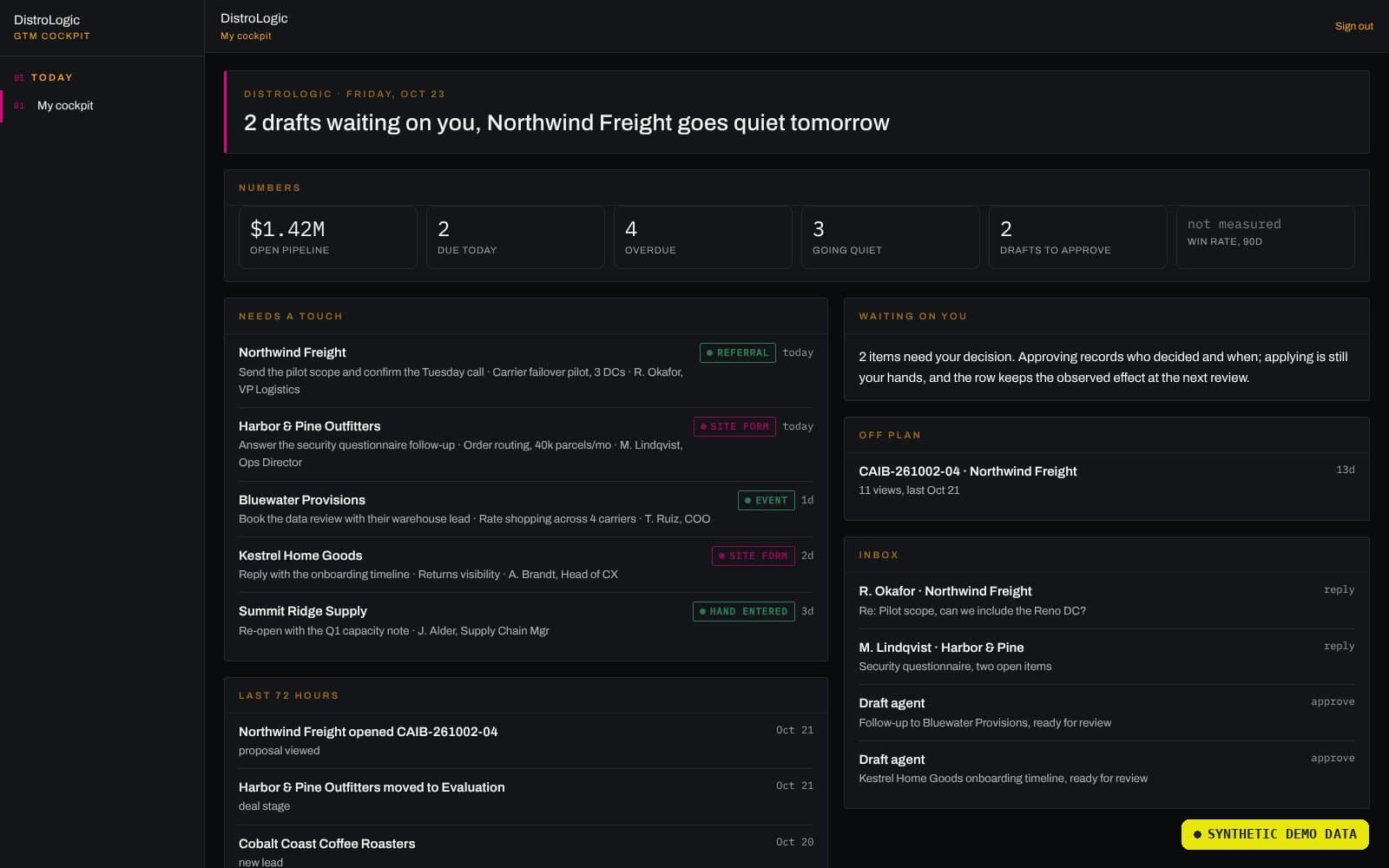
Revenue work scattered across inboxes.
Pipeline lived in a legacy workspace tool, follow-ups lived in individual inboxes, and nobody had a single view of what needed doing today. Drafts were written and forgotten. Leads went quiet without anyone noticing. Meanwhile a second company needed the same discipline with completely separate data. The question was how to give each person one page that runs their day, and run it for more than one company without crossing the streams.
Decompose. Digitize. Solve at the integrations.
The Sequence method, applied end to end — the same move that runs through every Digi-DNA project.
The person's day
Reduce revenue operations to what one person must see each morning: what is due, what is going quiet, and what is waiting on their decision.
One feed contract
Import the legacy pipeline, scan the mailbox for live threads, and express every company's state through a single fourteen-key feed contract that each database implements, with a check that fails if they drift.
Approve equals send
Solve at the approval boundary: agents prepare drafts on an hourly cadence, the person reads them in the console, and approval sends from their own mailbox with their own signature. Membership is re-checked on every request, and the console refuses everyone if no allowlist is set.
The Cockpit is the human approval point made into a product: Kernal's orchestration underneath, a person's judgment on top, and an audit of every send in between.
Screens and features.
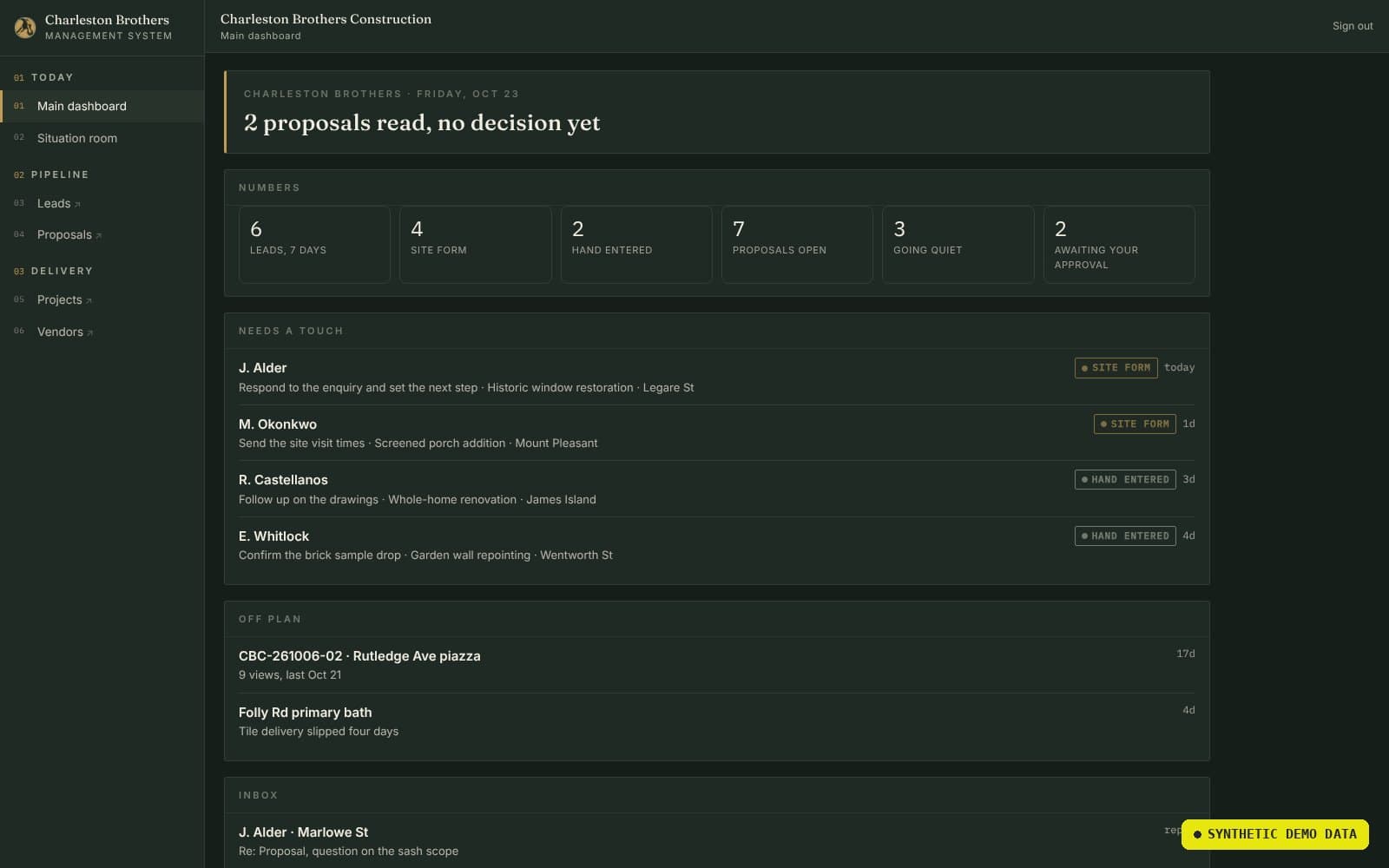
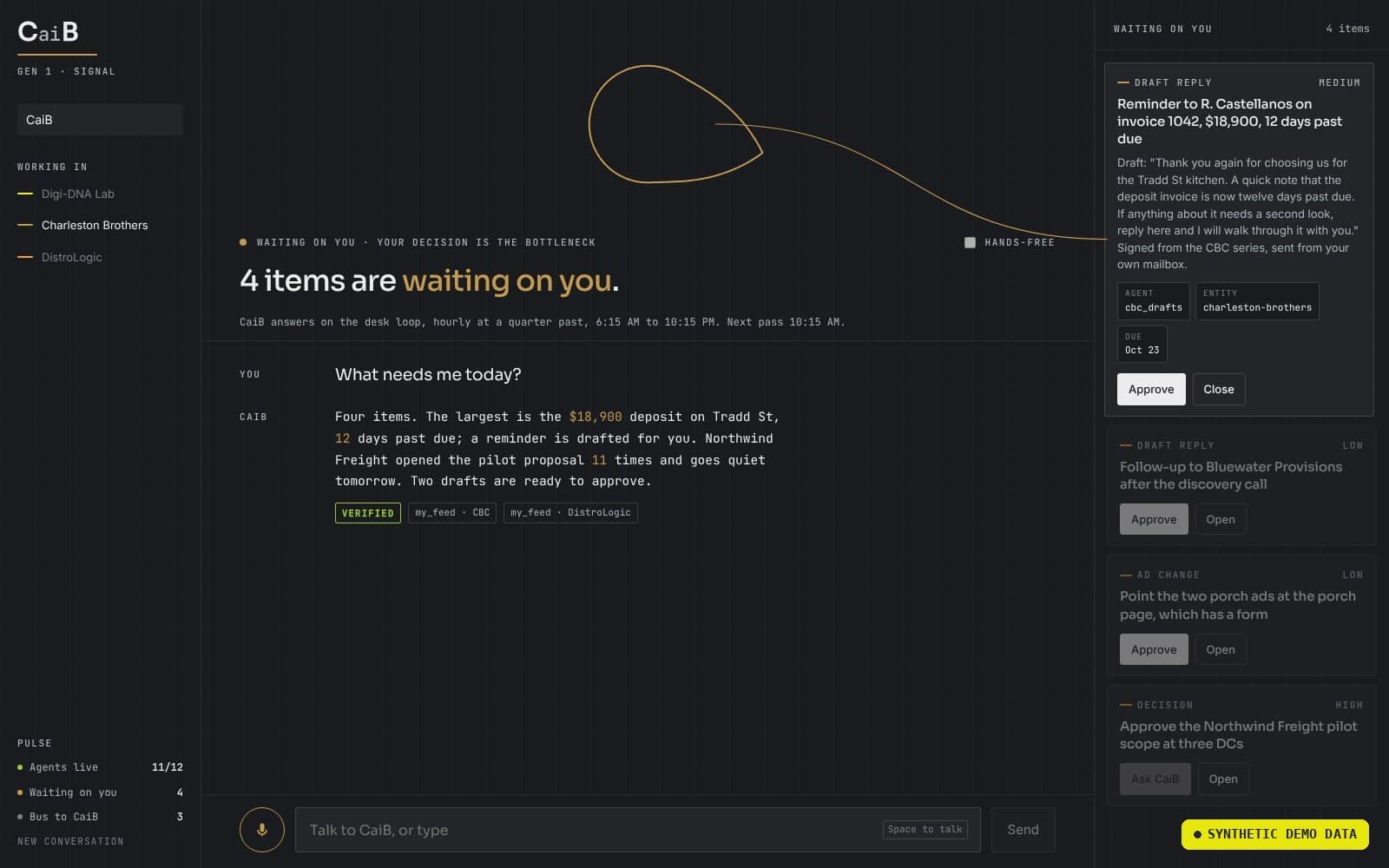
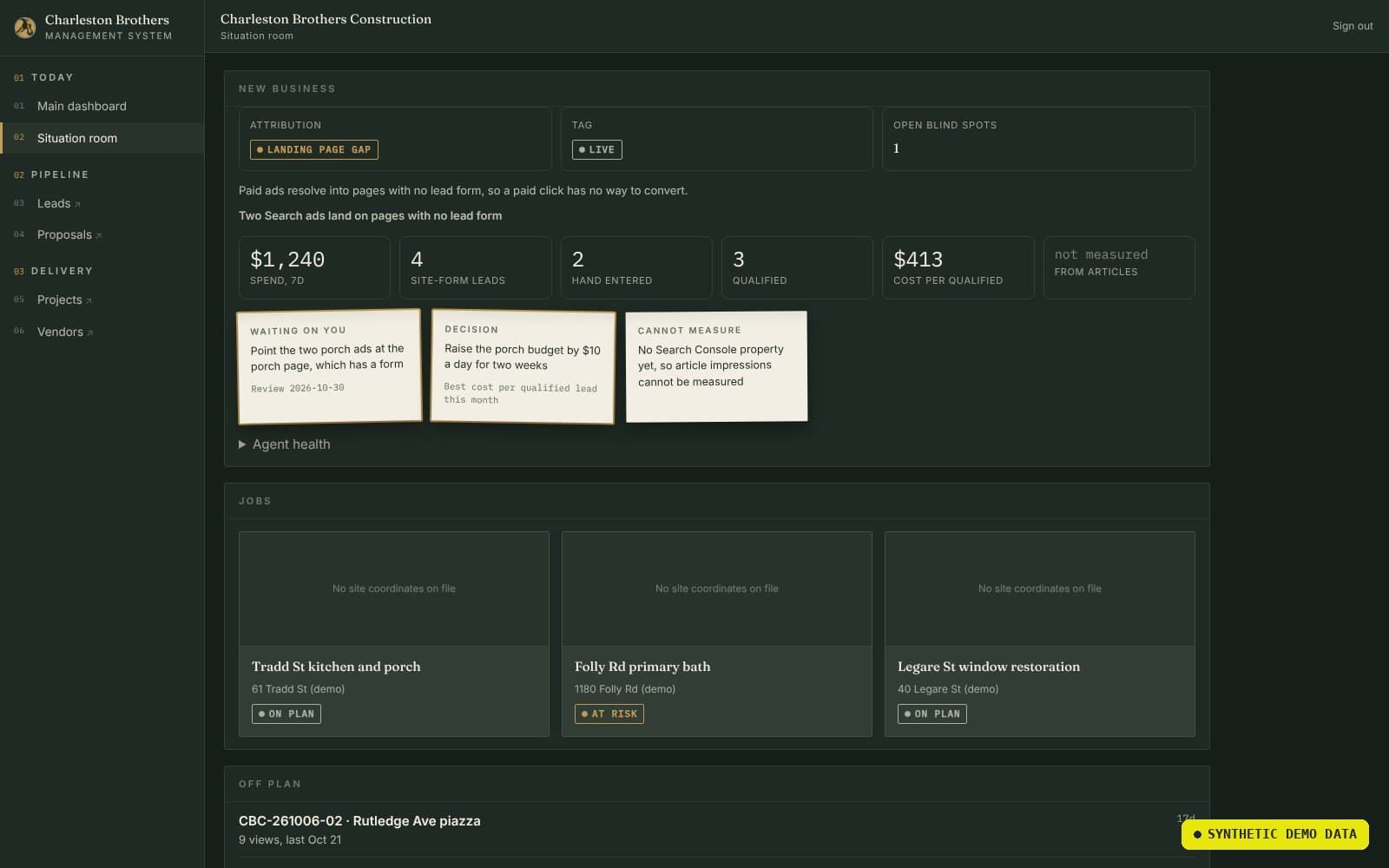
One page per person. One boundary per company.
- Morning brief — a per-person email with a link to their own console, tied to their Workspace identity.
- Draft queue — read, revise, approve; approval sends from the right mailbox, and revision requests are picked up hourly through the working day.
- Multi-entity by design — one codebase, separate deployments, each company reading only its own database; twelve color variables and nine panel types so every deployment stays on its own brand.
- Fail-closed access — single sign-on restricted to the company domain, membership re-checked per request.